Speak. ExvoxAI writes.
Dictation, meetings, video calls, audio files: it all becomes text, right on your device. No account, no subscription, no server.
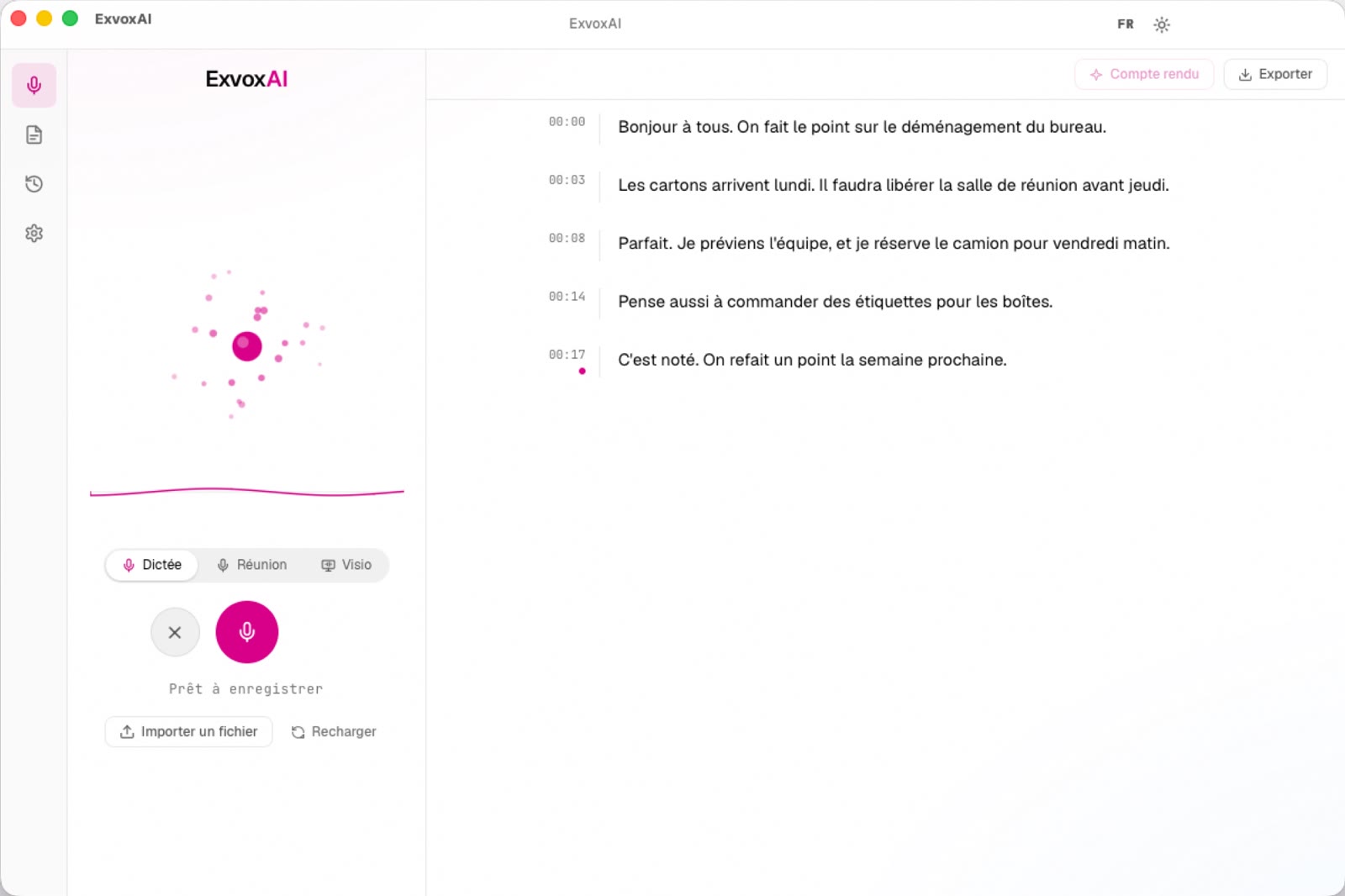
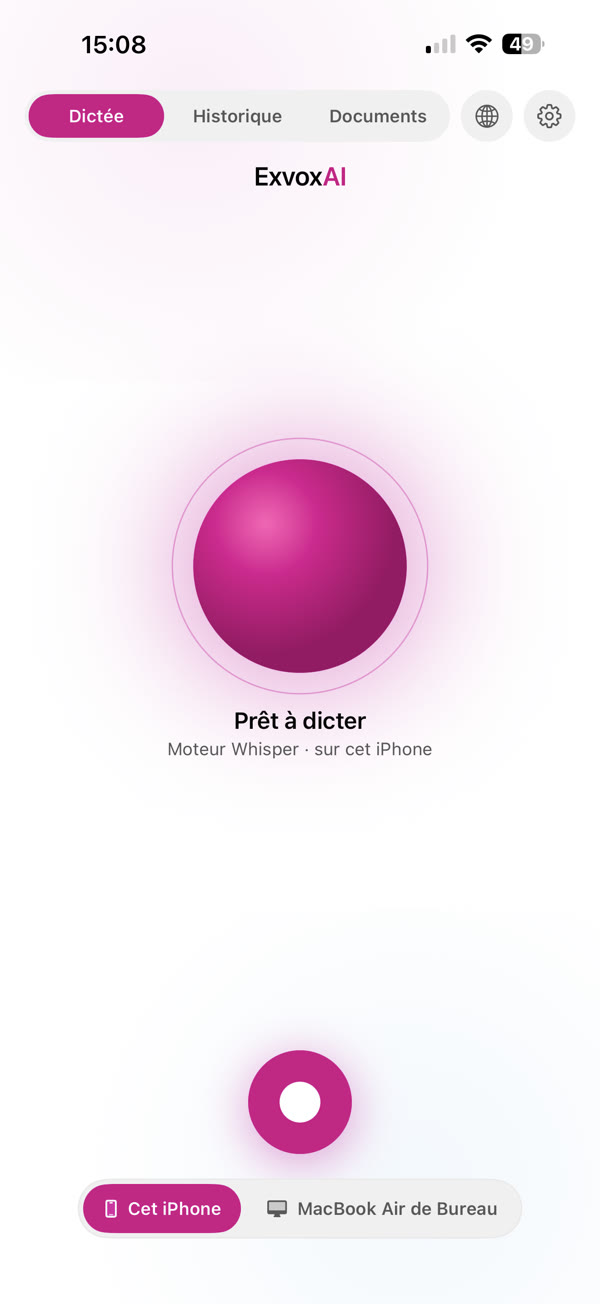
Universal purchase
Buy it on Mac, get iPhone free. And the other way round.
One App Store purchase with your Apple Account unlocks ExvoxAI on your Mac and your iPhone. Start with either one: the second version is already paid for.
A single payment, no subscription.
Three ways to record
Pick the one that matches where the voices come from.
The mode describes the situation, not what the app does with the text. One click before recording, and ExvoxAI adapts.
Dictation
You speak alone
The text appears as you speak. On Mac, a keyboard shortcut starts dictation from any app, and the text is ready to paste.
Meeting
Everyone is in the room
The microphone is enough. Voices are separated automatically: every contribution carries the name of whoever said it.
Video call
Teams, Zoom, Meet
Your Mac's audio and your microphone are recorded on two separate tracks. You and the others never blend together in the transcript.
Who said what
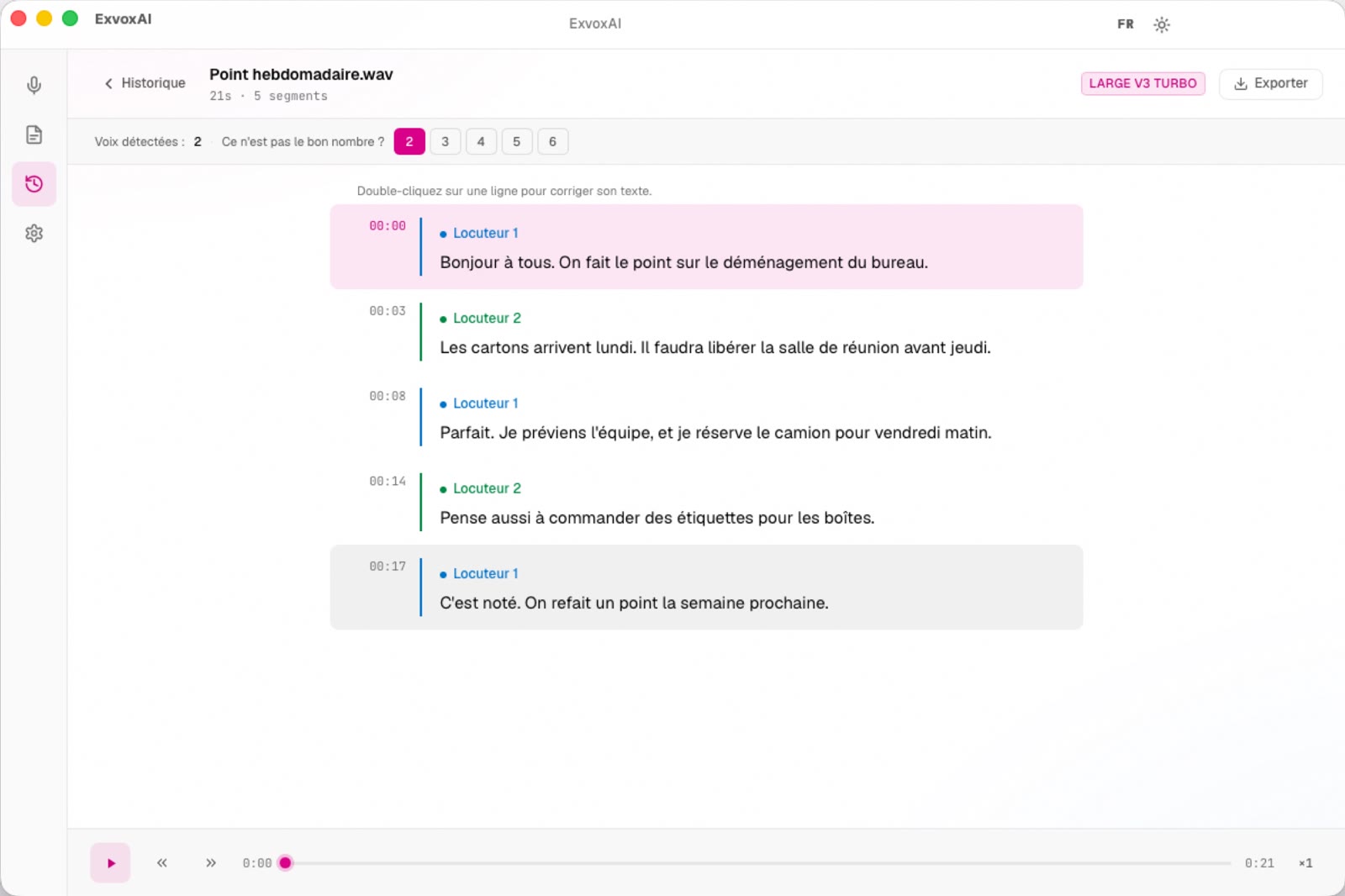
Every sentence carries the name of who said it.
Speaker separation tells participants apart and timestamps every passage. You stay in control at every step.
- Wrong count? One click on the right number redoes the separation.
- Two voices are the same person? Merge them with a click.
- Name whoever you like: the names follow all the way into the export.
- Double-click a line to correct its text.
iPhone + Mac
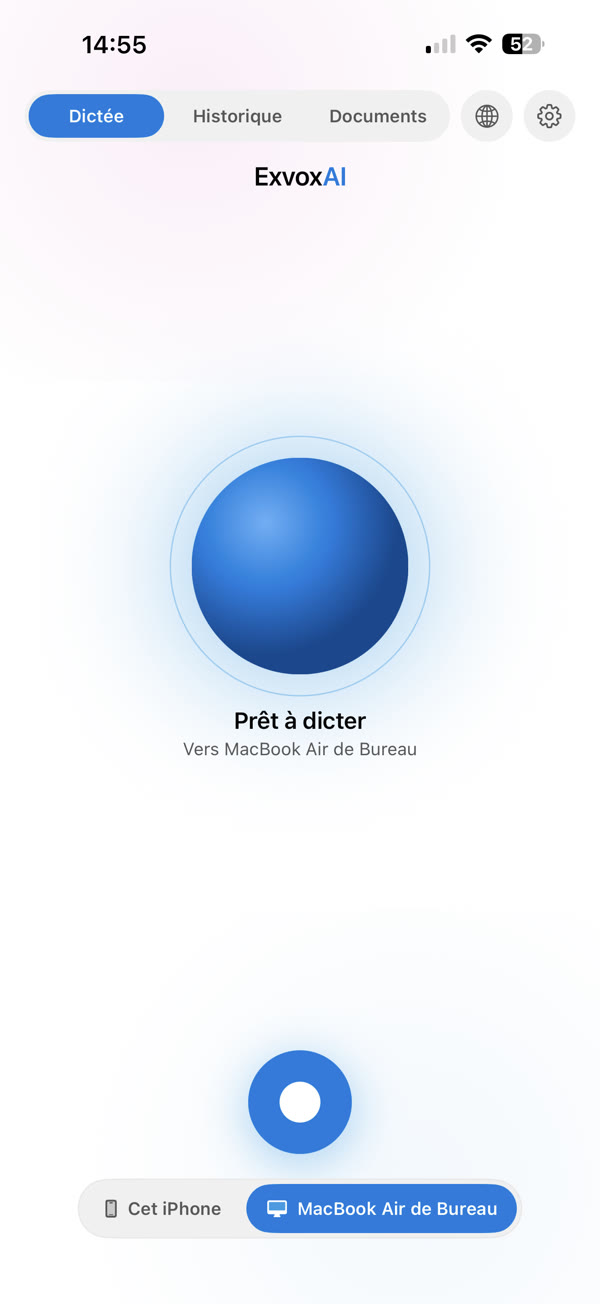
Your iPhone becomes your Mac's microphone.
Pair the two devices once. Dictate from your iPhone and the text is written on the computer. Handy when the Mac is out of reach, or when you would rather step away from it while speaking.
- The link stays on your local network; nothing goes through the Internet.
- One button to choose: write on the iPhone, or on the Mac.
Not only audio
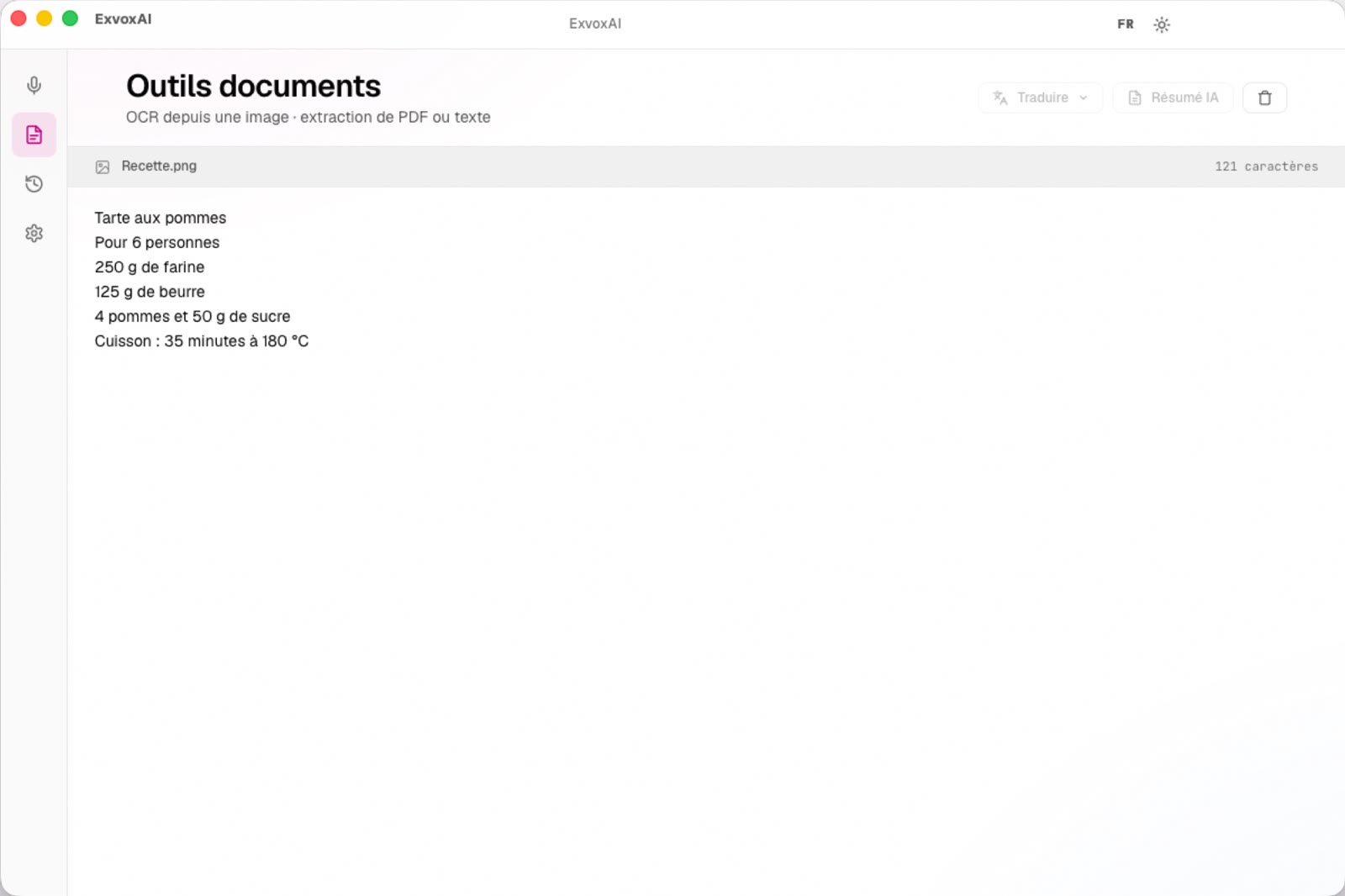
An image, a PDF? Out comes the text.
Drop an image or a PDF into the window: ExvoxAI pulls out the text, columns and paragraphs intact. On iPhone, the camera scans a page directly.
- Translation and summary, if you want them.
- Export to text, Markdown, PDF, Word, SRT and VTT.
On iPhone
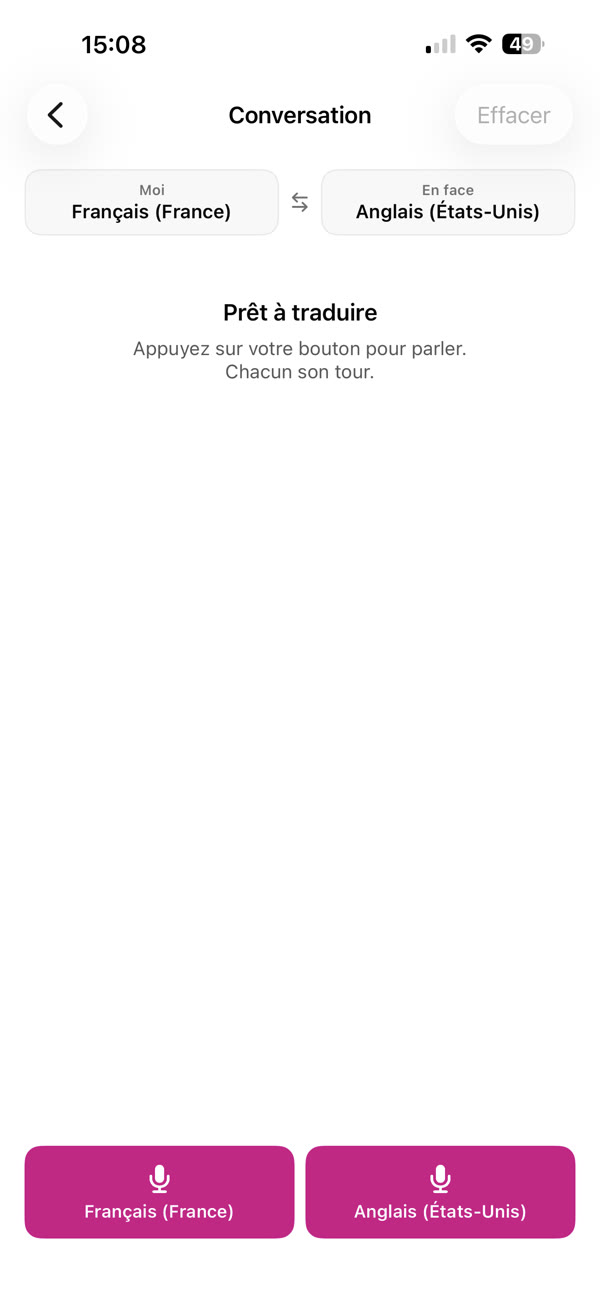
One conversation, two languages.
Each person has their own button and speaks their own language: ExvoxAI translates turn by turn. For travelling, or for talking with someone who doesn't speak yours.
What's included
Everything you need, nothing to download.
Privacy
Your voice never leaves your device.
ExvoxAI has no account and no server. Your recordings and transcripts stay on your Mac or your iPhone.
Read the privacy policySupport
A question?
Write to us: every message is read by the person who builds the app. Answers in English or French.
4hm3du51v3@gmail.comGo to support
Is there a subscription?
No. ExvoxAI is bought once, and the purchase covers both Mac and iPhone.
Do I need an Internet connection?
No. Transcription works offline. A connection is only needed if you turn on an online AI service to summarise a text, which is optional.
How do I dictate into another app?
On Mac, press ⌘ ⇧ D from any app. Press it again to stop: the text is in your clipboard, ready to paste.
Why do I need headphones for video calls?
On the Mac's speakers, the microphone hears the whole meeting again: sentences you never said would be attributed to you. With headphones, everything works.
Which languages are supported?
Whisper, the default engine, offers 35. Apple's engine offers the ones your device can recognise.
macOS 15 or later on an Apple silicon Mac · iOS 26 or later on iPhone